To add the BlackBerry backup to EPV, do the following:
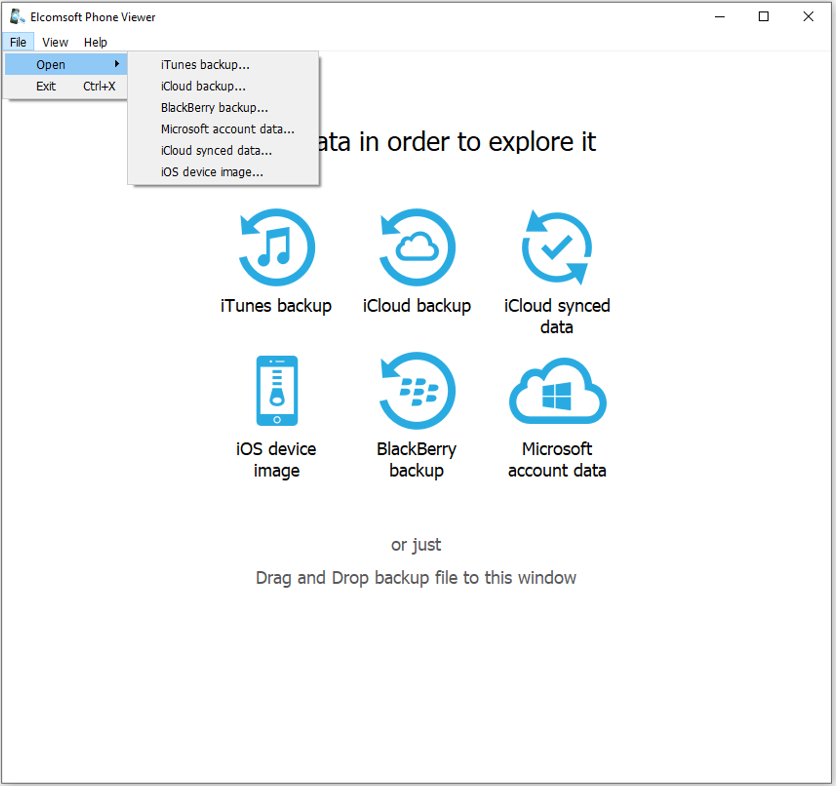
1.On the main program screen, click BlackBerry backup, select BlackBerry backup in the File > Open menu, or drag and drop the backup file to the program window..
2.Browse for BlackBerry backup (*.bbb; backup should be decrypted, see Supported BlackBerry device backups for details).
3. Select data types for parsing when opening the backup file.
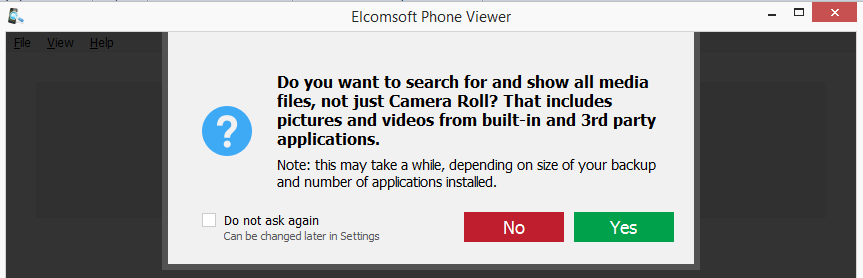
4. Select if you want EPV to search for and display Camera Roll media only or all media files (you can change this later in Settings).
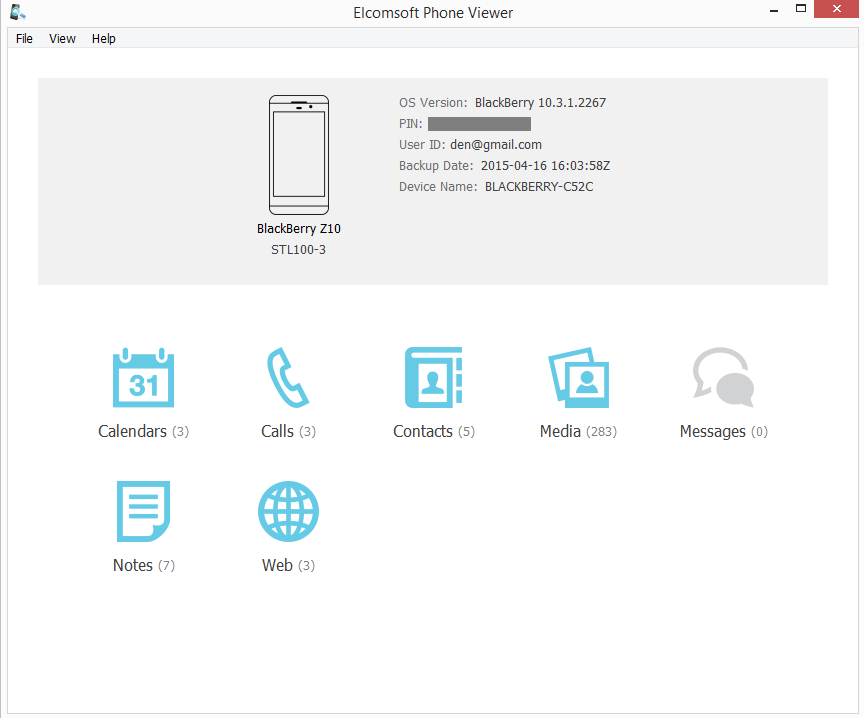
Once all the data in the backup is parsed, the program shows the following information:
•Device image (not the actual one, but generic)
•Device model
•Device "sub-model"
•BB OS version
•Device PIN
•User ID
•Backup date
•Device name
•Country code
•Phone number
The lower part of the window shows all plugins available (some of them might be disabled if there is no appropriate information in the backup):
•Web
Click the plugin icon to view the contents.