Complete all-in-one password recovery, system and security solution with support
of over 100 different
file formats and
types of password encryption methods, distributed password recovery and
proactive password
auditing.
Switch to German language Visit our French website Switch to Russian language Switch to Japanese language
Advanced Office Password Recovery
Designed for Windows XP/2000  
Gain Access to Password-Protected Documents

Forgetting a password to your personal email folder or a family budget can be annoying. Halting the work because of the lost password causes immediate monetary loss. Get control over your own documents even if they are protected with a password! Advanced Office Password Recovery recovers, replaces, removes or circumvents instantly passwords protecting or locking documents created with Microsoft Office applications.

Advanced Office Password Recovery unlocks documents created with all versions of Microsoft Office from the ancient 2.0 to the modern 2007. Recover passwords for Microsoft Word, Excel, Access, Outlook, Project, Money, PowerPoint, Visio, Publisher, OneNote, Backup, Schedule+, and Mail. Reset MS Internet Explorer Content Advisor passwords and open any password-protected VBA project by exploiting a backdoor.

Features and Benefits
  • Supports all versions of Microsoft Office applications from 2.0 to 2007
  • Instant password recovery for multiple products
  • Instantly unlocks documents with previously recovered passwords
  • Exploits all known backdoors and tricks in the Office family for instant recovery
  • Completely automatic preliminary attack may recover documents in less than 10 minutes
  • Dictionary and brute-force attacks with user-defined masks and advanced templates
  • Highly optimized low-level code for optimum performance

Instant Access to Password-Protected Documents

Not all passwords are equally strong. Advanced Office Password Recovery provides instant access to many types of password-protected documents, including those created in Microsoft Word and Excel versions 97 and 2000. Later versions of Microsoft Word and Excel save documents and spreadsheets in compatibility mode by default making them available for instant password recovery.

Instant Password Recovery: Special Cases

After carefully analyzing the algorithms and implementations of password protection in different versions of Microsoft Office applications, ElcomSoft developed work-around solutions that allow recovering certain kinds of passwords instantly instead of performing lengthy attacks. Advanced Office Password Recovery is well aware of the various methods of password protection, and implements all the tricks that allow you to recover protected documents in a matter of seconds.

Automatic Password Removal

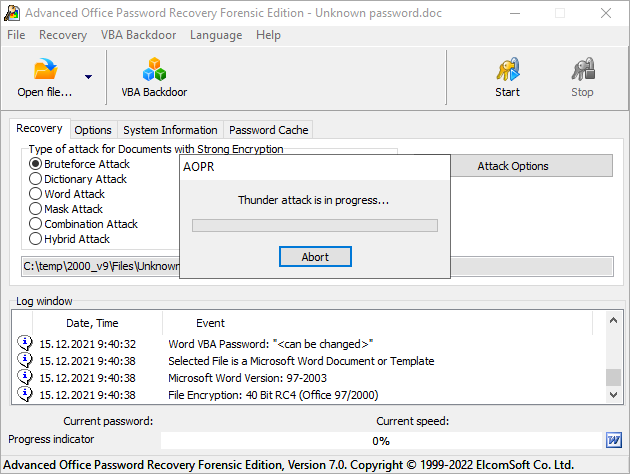
Even if your documents don’t fall into the instant recovery category, their protection may be removed automatically in less than 10 minutes. Just click ‘Open’, and Advanced Office Password will quickly perform all the steps to speed up the recovery, and to unlock your documents completely automatically. Advanced Office Password Recovery performs a preliminary attack on the password, attempting to unlock the document with commonly used passwords and passwords based on dictionary words. Your document may be recovered without any extra effort in just a few minutes!

Strong Password Recovery

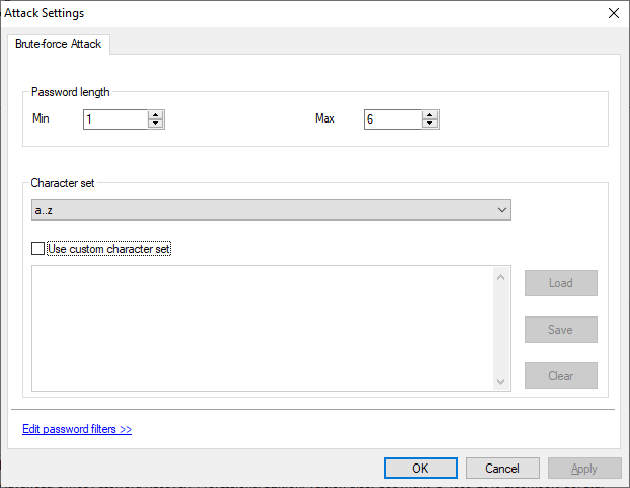
If nothing else helps, Advanced Office Password Recovery performs a range of attacks on a protected document in order to obtain the original password. Even then you’re not left without options! If you remember something about the password, that information will be used to speed up the recovery. Don’t take anything for a given! Just specifying your company security policy can increase the speed of the attack tenfold. Remember how many characters your password had, or that it was certainly longer than a certain length? Sure your password had numbers or letters, or both? Maybe you can recollect the first or the last character, or remember whether it was a letter or a number? Every little bit of extra information helps to speed up the recovery.

Dictionary Attack

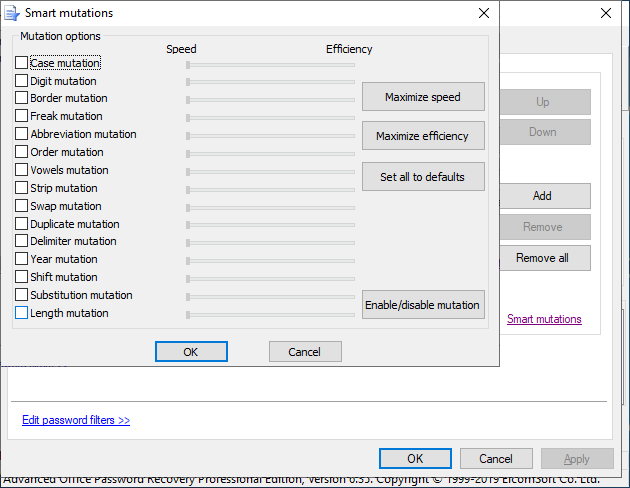
Most passwords used by human beings are based on a single word or a combination of words from a certain language. Before reverting to the brute force attack, Advanced Office Password Recovery performs a full-scaled comprehensive attack based on a dictionary. Use a small built-in dictionary or specify your own dictionaries no matter the language, and Advanced Office Password Recovery will attempt single words and word combinations in different cases and variations.

Brute Force Attack

If you’re blank about the password, Advanced Office Password Recovery will revert to the last resort: the brute force attack. Thanks to the highly optimized low-level code Advanced Office Password Recovery provides the best-in-class performance for the brute-force password recovery.

Word and Excel 97/2000 Documents: Guaranteed Recovery

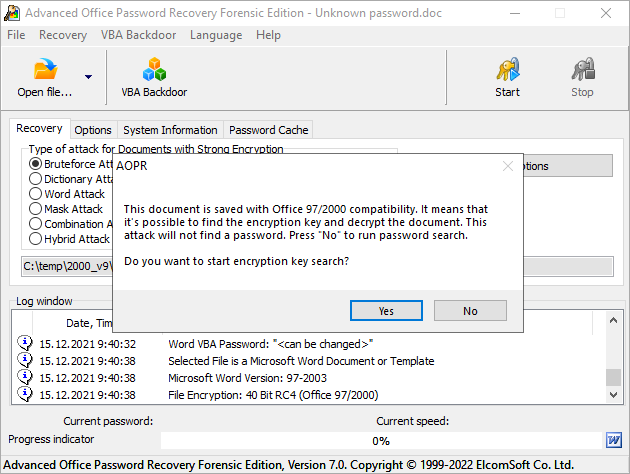
If your documents have been saved in Microsoft Word or Excel 97/2000 compatibility mode, guaranteed password removal is possible with Advanced Office Password Breaker. The majority of documents are still saved in this format, protected with weak 40-bit encryption Attacking the 40-bit encryption keys is not just significantly faster than trying all possible combinations of letters and numbers, but guarantees the recovery of your documents within a limited period of time. More information: Advanced Office Password Breaker.
 
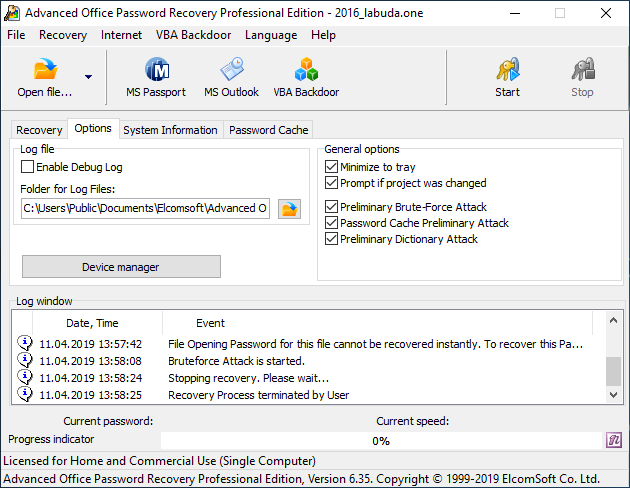
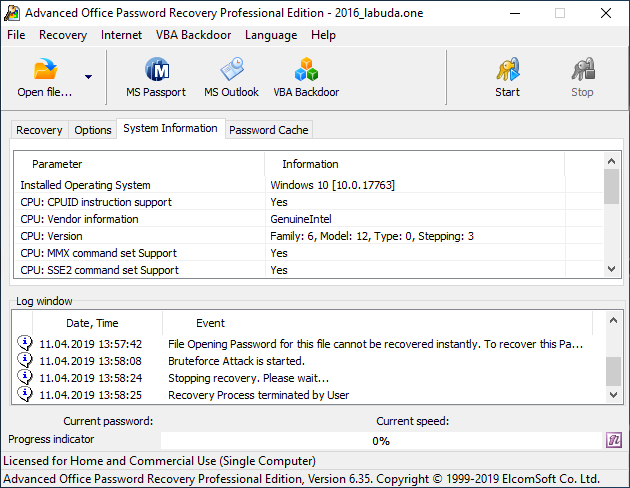
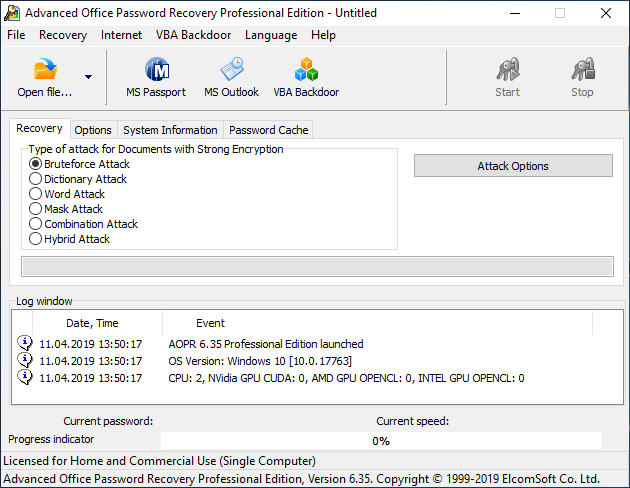
View the screenshot of AOPR
Read AOPR Online Documentation
Download free trial version of AOPR 4.10 (July 15, 2008; 2953 K)


   Order the Fully Licensed Version of AOPR
Compatibility Chart
 

AOPR Home
AOPR Standard
AOPR Professional
Microsoft Word (versions: from 2.0 to 2007)
Password to Open


Password to Modify


Document Protection Password


VBA Project Password


Microsoft Excel (versions: from 3.0 to 2007)
Password to Open


Password to Modify


Workbook Password


Shared Workbook Password


Sheet Passwords


VBA Project Password


Unlocking XLA Add-In


Microsoft Access (versions: from 2.0 to 2007)
Password to Open


User and Group Level Passwords


Database Owner and Security ID


VBA Project Password


Microsoft Outlook (versions: from Outlook 97 to Outlook 2007)
Password to Open (PST-Files)


VBA Project Password


E-Mail Accounts stored Passwords


Microsoft Project, Microsoft PowerPoint
Password to Open


Password to Modify


VBA Project Password


Microsoft OneNote
Password to Open


Microsoft Money (versions: from 2.0 to Money 2008)
Password to Open


Stored MS Passport Passwords


Other applications/passwords
Microsoft Visio, Microsoft Publisher (VBA Project)


All Applications with VBA ("Backdoor" feature)


Ordering information


Fully registered version of AOPR can be purchased at a price of US $49 (home edition), US $99 (standard edition) or US $199 (professional edition). Please note that for home edition, the Licensee may operate the Product as set in the License Agreement for non-commercial purposes in a non-business or non-commercial environment only (personal license). Use of the Product in a corporate, governmental or business environment requires the purchase of the standard or professional edition (business license).

You can order full version of Advanced Office Password Recovery using the online order form. We accept credit cards (Visa, MasterCard, American Express, Diners Club and JCB) as well as PayPal, Bank/Wire transfer, Checks and Cash.

   Order the Fully Licensed Version of AOPR

Online orders are processed automatically and therefore more quickly than orders placed by fax, e-mail, or phone, because processing is not dependent on our customer service center's business hours. Products available electronically are generally ready for download immediately, or no more than 48 hours after you place your order.
Password and data recovery solutions for:


All supported products (100+ file formats)

Distributed Password Recovery for MS Office, PDF, PGP and other
Microsoft Office (Word, Excel, Access, Outlook etc.)
Archives (ZIP, RAR, ARJ, ACE)
Microsoft Windows (Boot disk to reset administrator password)
Microsoft Windows (Passwords for RAS, dialup, VPN, WEP/WPA, shared folders etc.)
Windows NT/2000/XP user passwords
Windows 2000/XP/2003/Vista NTFS (EFS)
E-mail clients
Instant messengers
Adobe Acrobat PDF
ACT!
Lotus SmartSuite (WordPro, 1-2-3, Approach, Organizer)
Corel WordPerfect Office (WordPerfect, Paradox, QuattroPro)
Intuit Quicken and QuickBooks

[ HOME | LEGAL | | UP TO PAGE ]